
Download My Paint – drawing app, free drawing tool, open source painting software, digital art, creative tool, sketching app, paint app, mobile sketchpad, artistic expression, digital canvas
Overview
My Paint is a lightweight mobile application designed to deliver a focused and intuitive digital painting experience. Built with simplicity in mind, it aims to eliminate distractions commonly found in more complex creative tools, allowing users to concentrate solely on their artistic expression. The app serves as a streamlined alternative to traditional desktop painting software like Microsoft Paint, offering a more refined interface and enhanced functionality tailored for mobile use. Its primary purpose is to empower users—ranging from casual doodlers to aspiring digital artists—to create artwork on the go without the need for advanced technical knowledge.
Target users include students, hobbyists, and professionals seeking a portable digital canvas for quick sketches, concept art, or personal projects. The app’s minimalistic design ensures that even users with no prior experience in digital art can begin creating immediately. By prioritizing usability and creative freedom, My Paint fills a niche in the mobile productivity ecosystem, especially for those who value open-source software and cost-free access to creative tools. Although the developer did not provide additional background information, the app’s long-standing presence since its release in November 2010 suggests a stable and community-supported foundation.
Real-world use cases include journaling with sketches, brainstorming visual ideas during meetings, or practicing drawing techniques on a smartphone or tablet. Its lightweight nature makes it ideal for older devices or users with limited storage space. The app’s enduring relevance underscores its value as a reliable, accessible tool in the digital art space.
Key Features & Functionality
- Distraction-Free Interface: My Paint hides toolbars and menus during active painting sessions, allowing users to focus entirely on their artwork. This feature is particularly beneficial for users who find cluttered interfaces disruptive to their creative flow.
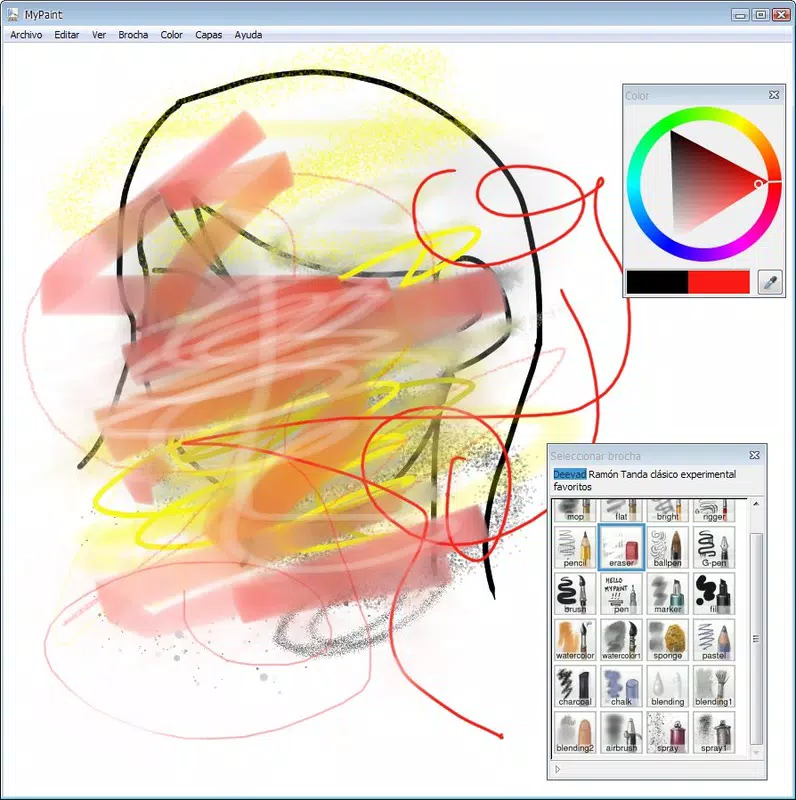
- Extensive Tool Selection: The app provides a variety of brushes and tools with different styles, enabling users to experiment with textures, line thickness, and opacity levels to achieve diverse artistic effects.
- User-Friendly Access: Despite the minimalist interface, essential tools and settings remain easily accessible with minimal navigation, ensuring a smooth and efficient workflow.
- Open Source and Free: As an open-source application, My Paint is available at no cost, promoting transparency, community contributions, and unrestricted access for all users.
- Superior Alternative to Microsoft Paint: My Paint enhances the basic functionality of its desktop counterpart by offering a more responsive touch interface, better brush control, and greater customization options.
For example, a student could use My Paint to quickly sketch a concept during a lecture, while a digital artist might use it to draft rough layouts before transferring work to a more advanced platform. The app’s versatility makes it suitable for both spontaneous creativity and structured creative practice.
Interface, UX & Performance
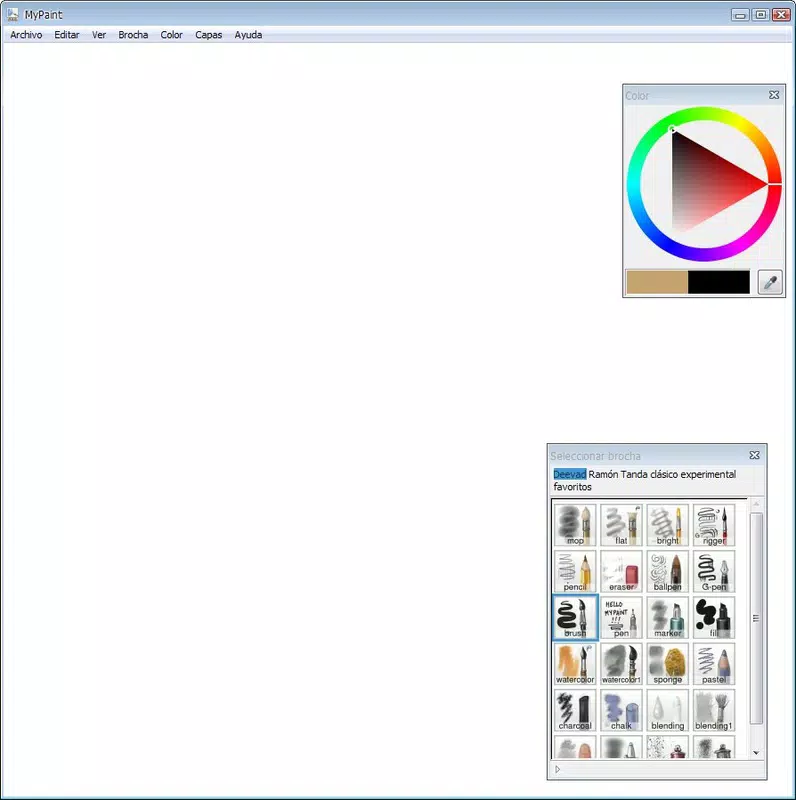
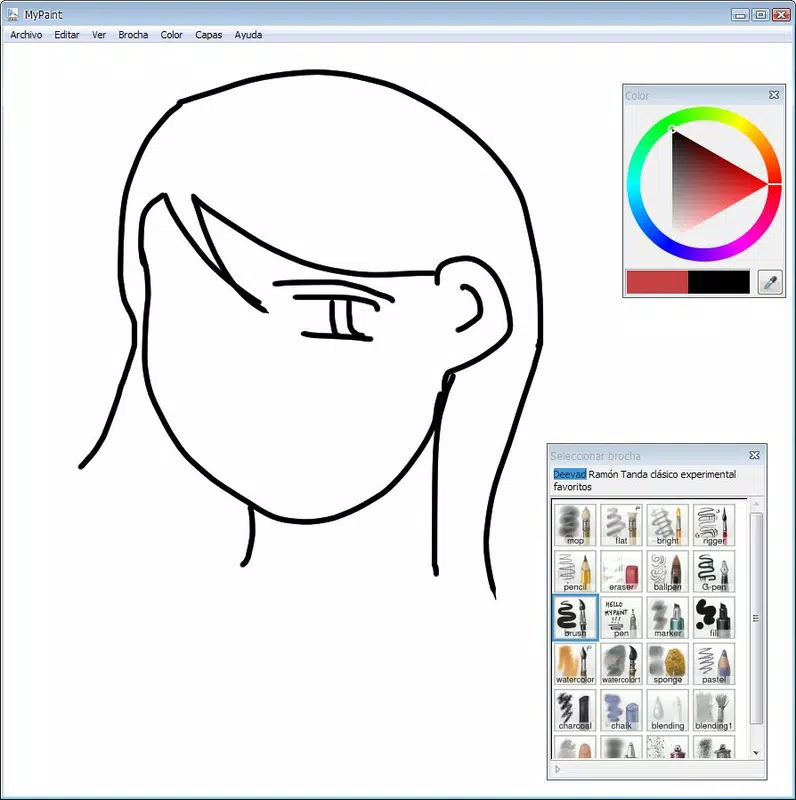
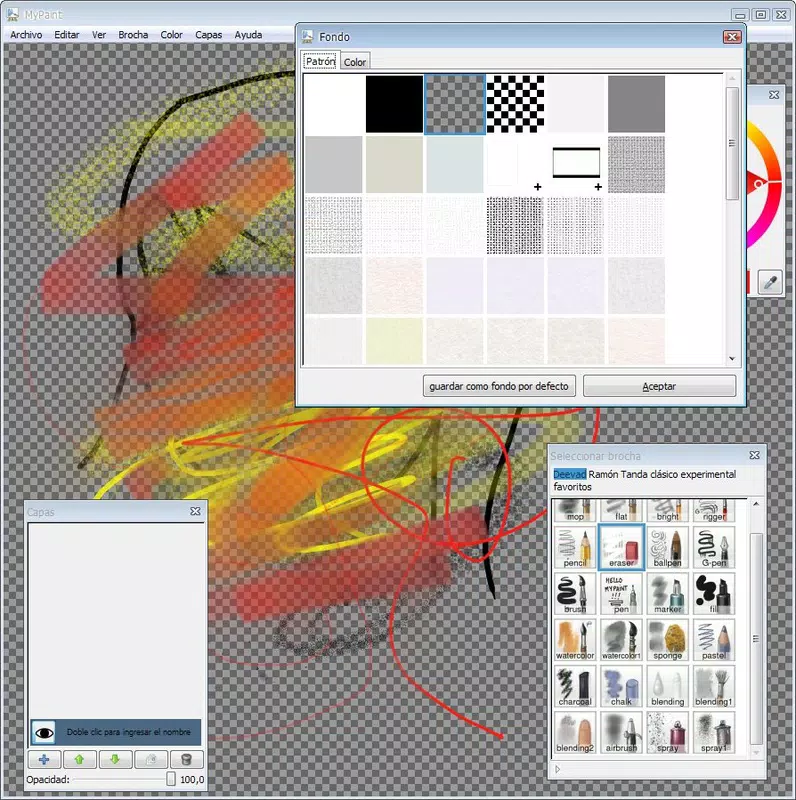
The user interface of My Paint is intentionally minimal, emphasizing clarity and ease of use. The layout centers around a clean digital canvas, with tools and settings accessible through a discreet menu system. Navigation is straightforward, relying on simple taps and gestures to switch between tools, adjust brush size, and access color palettes. This design reduces cognitive load and supports intuitive interaction, especially for users unfamiliar with digital art software.
Although the developer did not list formal performance metrics, the app’s small file size of 2.3 MB suggests efficient resource usage. This likely contributes to smooth operation across a range of Android devices, including older models with limited processing power. Responsiveness appears to be optimized for touch input, with minimal lag during drawing sessions. Stability is implied by the app’s long-term availability and consistent updates since its initial release.
Users can expect a reliable experience with predictable behavior, though detailed performance data across device categories was not disclosed. The app’s lightweight nature and simple architecture support consistent performance without significant battery drain or memory overhead.
Platform Compatibility & Technical Requirements
My Paint is available exclusively on the Android platform. It requires Android as the operating system, though specific minimum version requirements were not listed by the developer. The application has a file size of 2.3 MB, which is notably small, indicating low storage demands and fast download times. This makes it suitable for devices with limited internal memory or users who prefer lightweight apps.
Although the developer did not specify compatibility details beyond the platform, the app’s age and small footprint suggest broad support across older Android versions. However, users should verify device compatibility through their app store before installation. No additional hardware requirements were mentioned, and the app functions without needing special sensors or peripherals.
Pros and Cons
Pros
- Free and open-source, ensuring accessibility and transparency.
- Minimalist interface promotes focus and creativity.
- Lightweight design with low storage requirements.
- Simple navigation suitable for beginners and experienced users alike.
- Acts as a capable alternative to Microsoft Paint on mobile devices.
Cons
- Specific technical requirements were not disclosed by the developer.
- Limited information on supported Android versions.
- No official updates or changelog details were provided.
- May lack advanced features found in premium digital art apps.
- Developer background and support channels were not publicly available.
FAQ
Is My Paint safe to download and use?
Yes, My Paint is a free and open-source application. While no third-party security audits were mentioned, its long-standing presence and availability through official app channels suggest it is safe to install.
Can I use My Paint on iOS devices?
Currently, My Paint is only available for Android. There is no official version for iOS devices.
Is My Paint completely free?
Yes, the app is available at no cost. It is open-source, meaning users can access, modify, and distribute the code freely.
Does My Paint require internet access?
No, My Paint functions entirely offline. No internet connection is needed to create or save artwork.
How often is My Paint updated?
Update frequency was not disclosed by the developer. However, the app has been available since 2010, indicating ongoing maintenance.
Final Thoughts
My Paint stands out as a refreshingly simple yet powerful digital canvas for mobile users. Its focus on minimalism, accessibility, and creative freedom makes it an ideal tool for anyone seeking a distraction-free environment to sketch, draw, or experiment with digital art. While it may not offer the advanced features of professional-grade software, it successfully bridges the gap between basic drawing tools and more complex platforms.
Users who value open-source principles, low system requirements, and a clean interface will find significant value in this app. Whether you're a student jotting down ideas, a hobbyist exploring artistic expression, or someone looking for a lightweight alternative to desktop painting software, My Paint delivers on its promise.
Download My Paint now


